Start with the actual brief
Highlight the project details and capture your selection. Keep the client’s requirements close while you write.
 Responser
RESPONSER FOR CHROME
Turn project details into a personal freelance proposal without leaving the page. Your experience. Your voice. A little help finding the words.
Available on the Chrome Web Store · Free to try
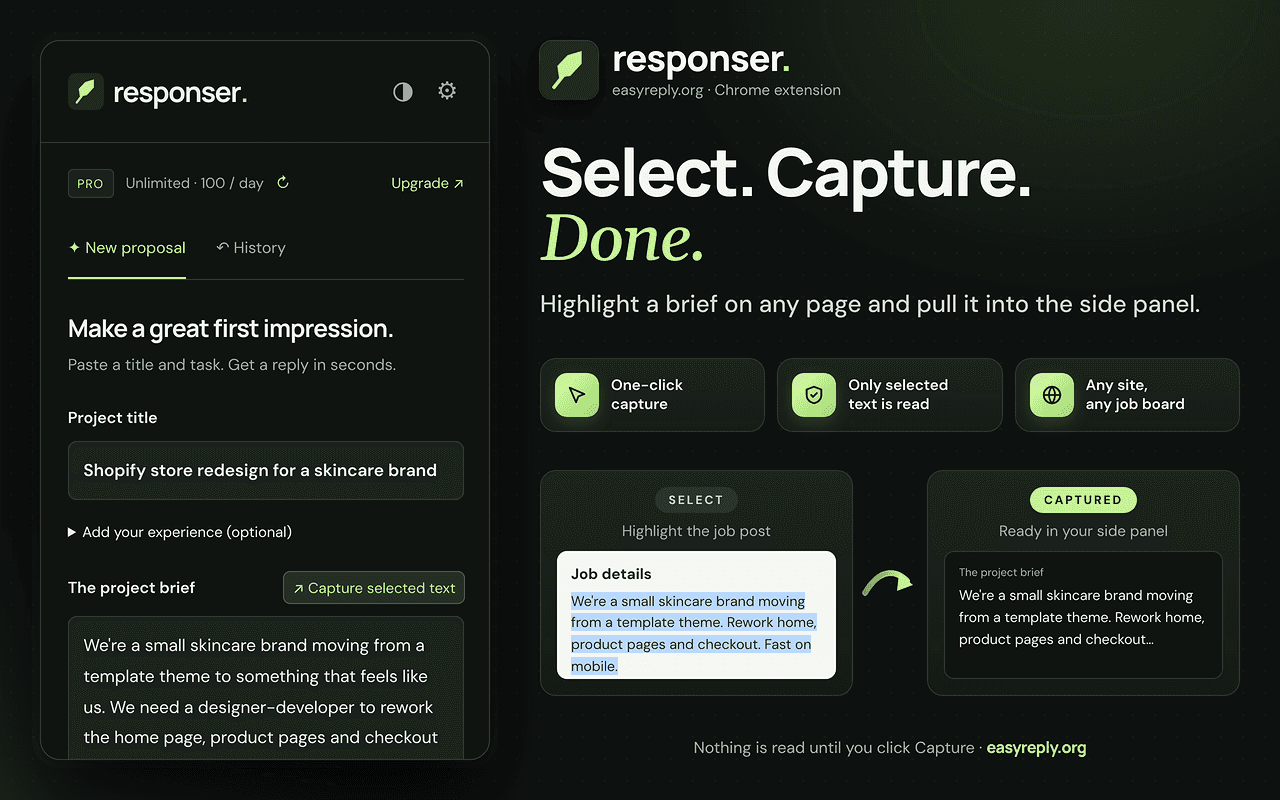
LESS COPYING. MORE PERSONAL.
Highlight the project details and capture your selection. Keep the client’s requirements close while you write.
Work in Chrome’s side panel beside the page you’re reading. Your source and draft stay in view together.
Add relevant experience, choose your tone, and edit the draft before copying it into your application.
A SMALL ADDITION TO YOUR WORKDAY
For project briefs, freelance opportunities, and client conversations that deserve a thoughtful first response.
Add to ChromeInstall from the Chrome Web Store, pin the extension, and open your side panel.
Highlight the relevant text on the page and click Capture selected text. You can also paste the brief yourself.
Add your experience, choose a tone, and generate. Check the details, edit your draft, and copy it when it’s ready.
You choose the text to capture and the context to share. Responser drafts; you review and send. Read our privacy policy for details.
BEFORE YOUR FIRST HELLO
Open the Chrome Web Store listing, choose Add to Chrome, and confirm. Pin Responser to your toolbar and open the side panel when you’re ready to write.
Yes. Start with 3 demo generations without signing up, then sign in for 5 more free generations. Website and extension usage share one account allowance. Pro includes up to 100 generations per day.
Text capture starts when you choose to capture selected text. Review the text and any experience you add before generating: that input is sent to the service to create your draft.
No. Responser helps you prepare a draft. You review, edit, copy, and decide when and where to send it.
Yes. The web workspace lets you write freelance proposals and replies to emails and messages. Sign in with the same account to use your shared allowance.
MAKE YOUR NEXT FIRST IMPRESSION COUNT